
Quick Links
- Pricing sheet types
- Download a pricing sheet
- Edit the spreadsheet
- Need Help?
Important
The Wetu Pricing Spreadsheet is a time-saving tool - no pricing data pulls through from Wetu automatically. All prices and commissions must be entered manually. Changes made in the spreadsheet are not saved back to Wetu.
Pricing sheet types
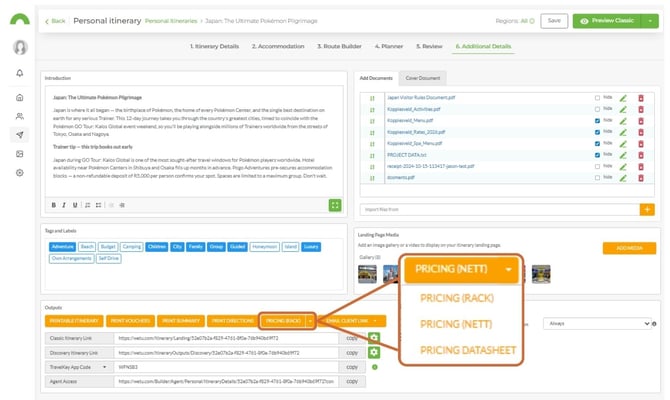
There are three pricing sheet types available, depending on how you quote:
| Type | Use this when... |
|---|---|
| Rack | You enter Rack Rates and deduct your commission to arrive at the nett price. |
| Nett | You enter Nett Rates and add your commission to arrive at the sell price. |
| Datasheet | You have your own spreadsheet and want to link itinerary data to it. |
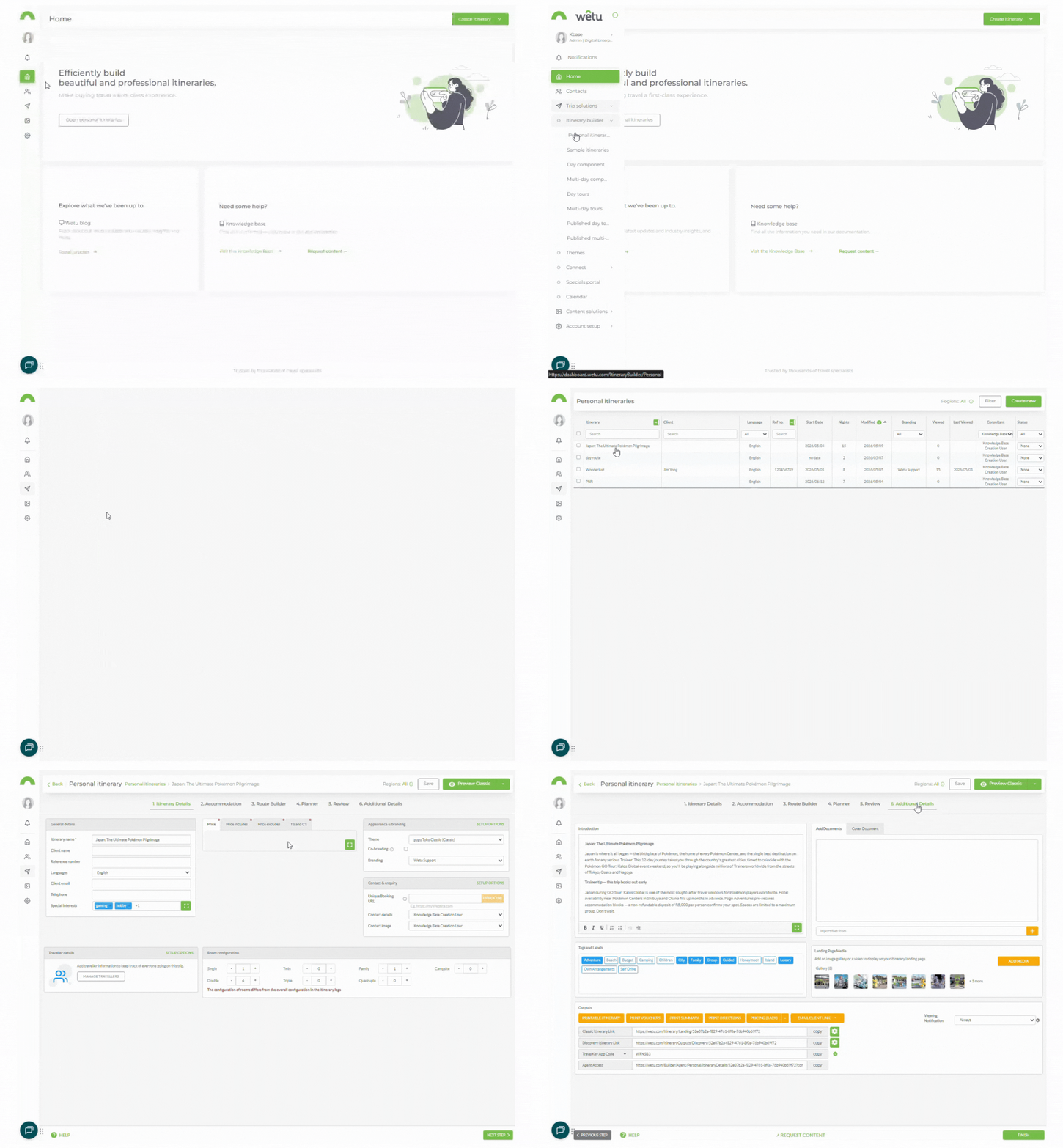
Download a pricing sheet
1. Open the itinerary in the Itinerary Builder and navigate to Step 6: Additional Details.
2. Scroll to the bottom of the screen and locate the Pricing dropdown in the Outputs section.
3. Click the dropdown and select the pricing sheet type you need (Rack,Nett, or Datasheet).
4. The spreadsheet will download automatically.
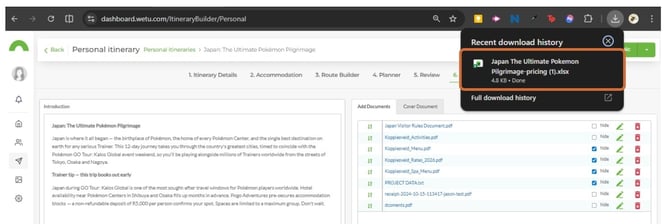
Note: If nothing downloads when you click the option, pop-ups may be blocked in your browser. Allow pop-ups for Wetu in your browser settings and try again.
Edit the spreadsheet
1. Double-click the downloaded file to open it in Microsoft Excel.
2. Enter the relevant prices and commissions to work out your quote.
3. Save and file the spreadsheet as your hard copy of the quote.
Note: Any changes made in the spreadsheet will not be reflected in Wetu - you are working in a separate system.
Tip: If there are multiple guests on the same itinerary, check the quantities for transfers, activities, and miscellaneous items - these default to 1 even when multiple guests are added to the itinerary.
Need Help?
- Contact Support: support@wetu.com
- Live Chat: Available on your Dashboard