
Quick Links
- Understanding the iFrame code
- Which link to use
- iFrame codes by type
- Need Help?
Note: This article provides an overview of iFrame embedding. We recommend sharing it with your web developer, who can customise the code to suit your website.
Understanding the iFrame code
The iFrame code is a standard HTML snippet that can be added to any HTML webpage. Here is what each part of the code means:
<iframe src="https://wetu.com/Rack/View/Catalogue/9673" height="546" width="680" frameborder="2"></iframe>
URL - Replace with any itinerary, catalogue, or iBrochure embed link
height="546" - Height of the embedded block on your website
width="680" - Width of the embedded block on your website
frameborder="2" - Width of the border frame around the block
back to top
Which link to use
For itineraries and catalogues, use the same link you would normally send to your clients - paste it in place of the URL in the iFrame code.
Viewing Notifications
If your itinerary viewing notifications are set to "Always", you will receive a notification every time the embedded itinerary is opened. Consider adjusting your notification settings to "First View Only" or "Never" for embedded content. If you embed a catalogue, update the notification settings for all itineraries in that catalogue.
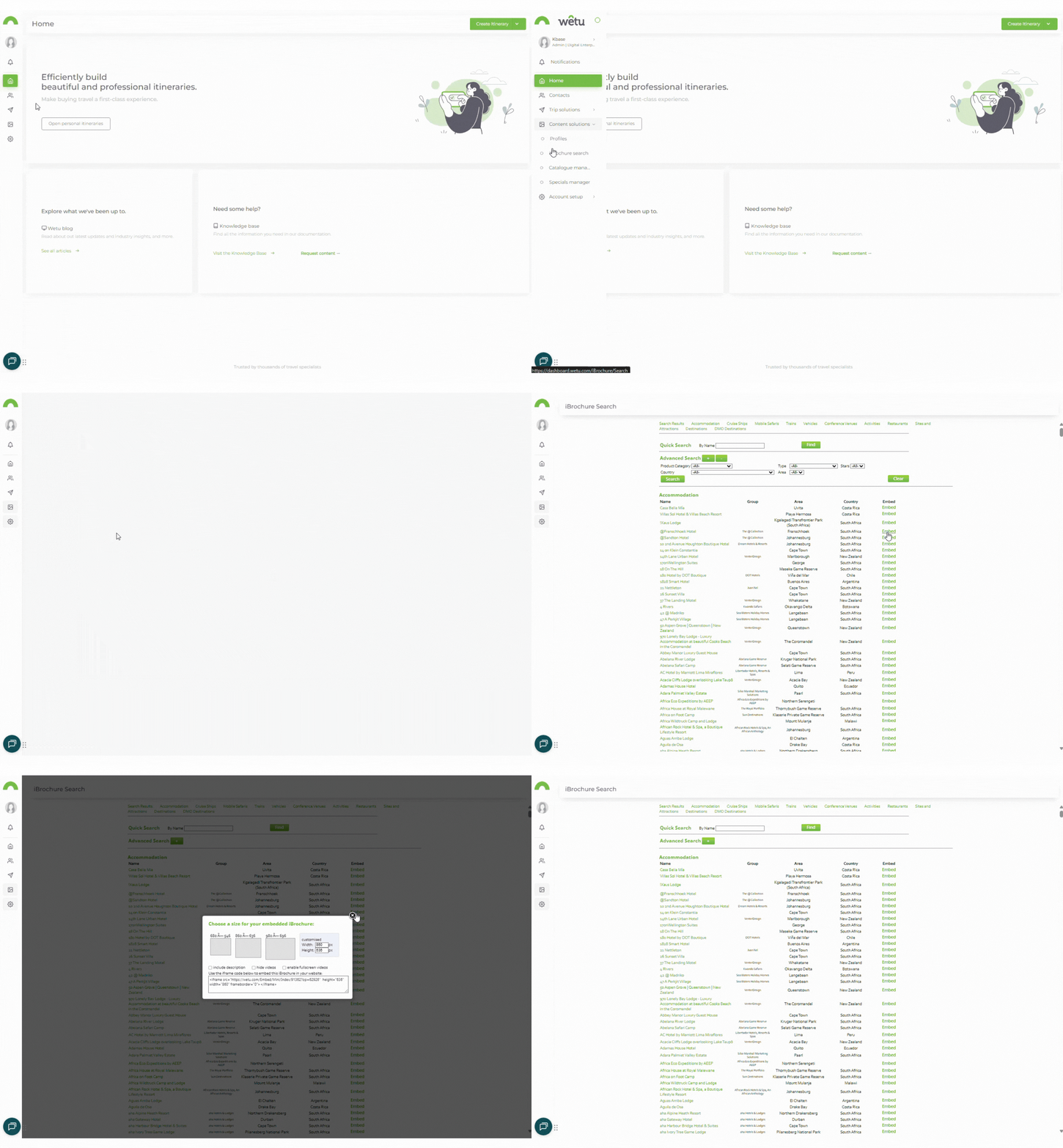
For iBrochures, the embed link is found via the iBrochure search in your Wetu account under the Embed option.
iFrame codes by type
iBrochure
Copy this code and replace the URL with your iBrochure embed link
<iframe src="https://wetu.com/Embed/Mini/Index/24061?op=1&desc=1&video=0" height="546" width="680" frameborder="2"></iframe>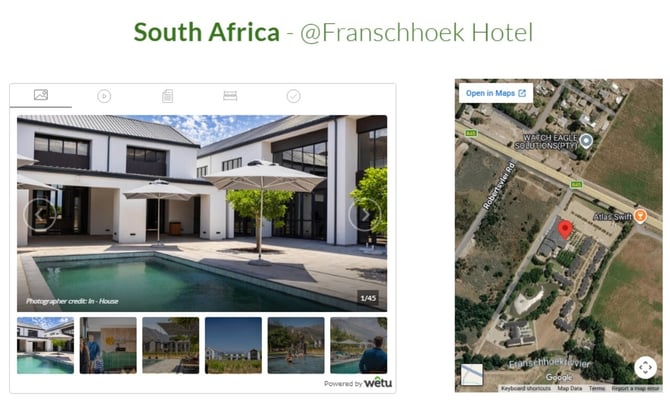
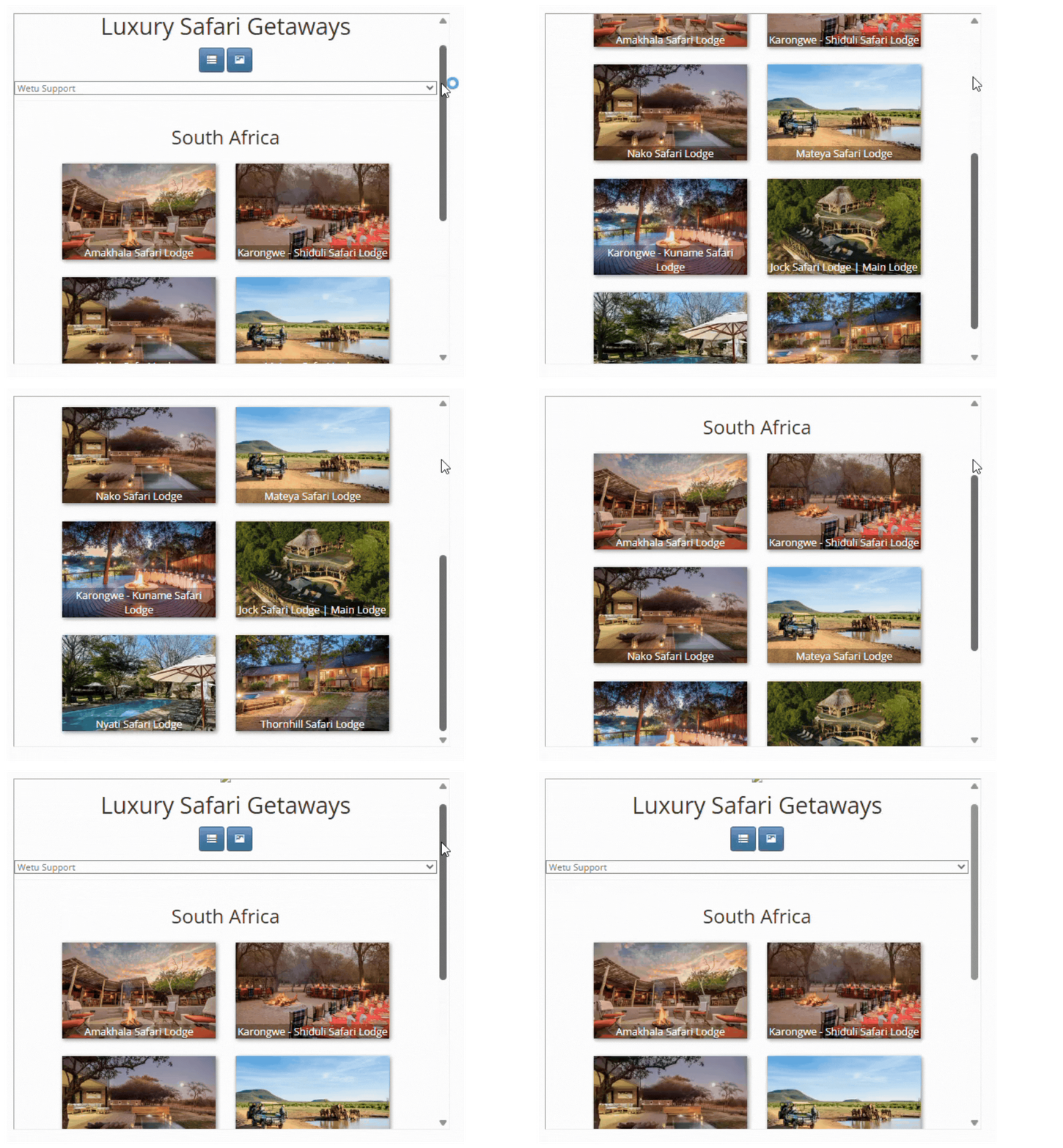
iBrochure Catalogue
Copy this code and replace the URL with your iBrochure Catalogue link
<iframe src="https://wetu.com/Rack/View/Catalogue/9673" height="546" width="680" frameborder="2"></iframe>
Itinerary
Copy this code and replace the URL with your itinerary client link
<iframe src="https://wetu.com/Itinerary/Landing/BFBAACF7-6BCE-4605-8A1C-8A09E4BBFF68" height="546" width="680" frameborder="2"></iframe>

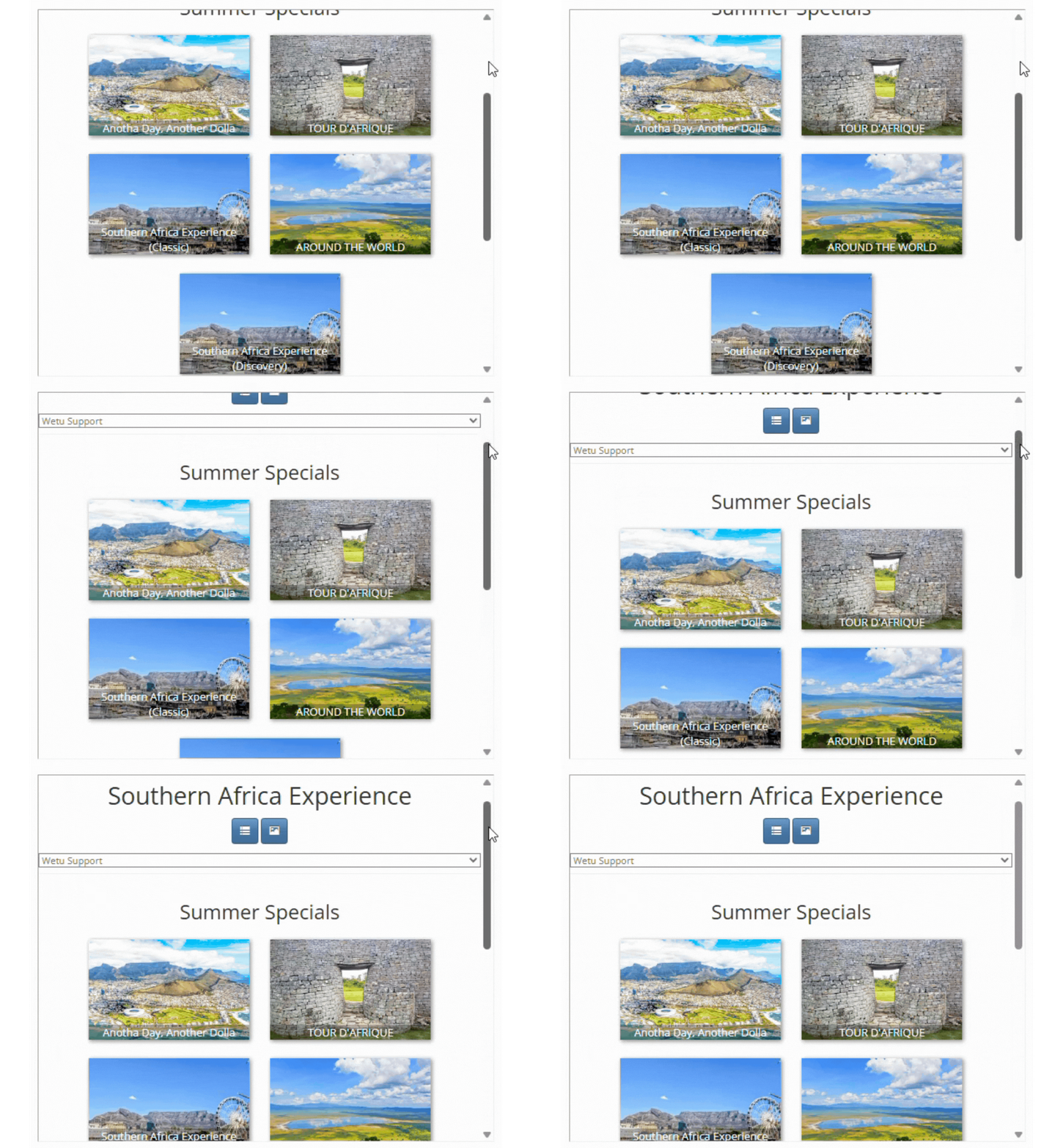
Itinerary Catalogue
Copy this code and replace the URL with your Itinerary Catalogue link
<iframe src="https://wetu.com/Rack/View/Catalogue/9395" height="546" width="680" frameborder="2"></iframe>
Need Help?
- Contact Support: support@wetu.com
- Live Chat: Available on your Dashboard