
Quick Links
- Select languages
- Manual translations
- Machine translations
- Language in the Itinerary Builder
- Translation availability by output
- Need help?
Select languages
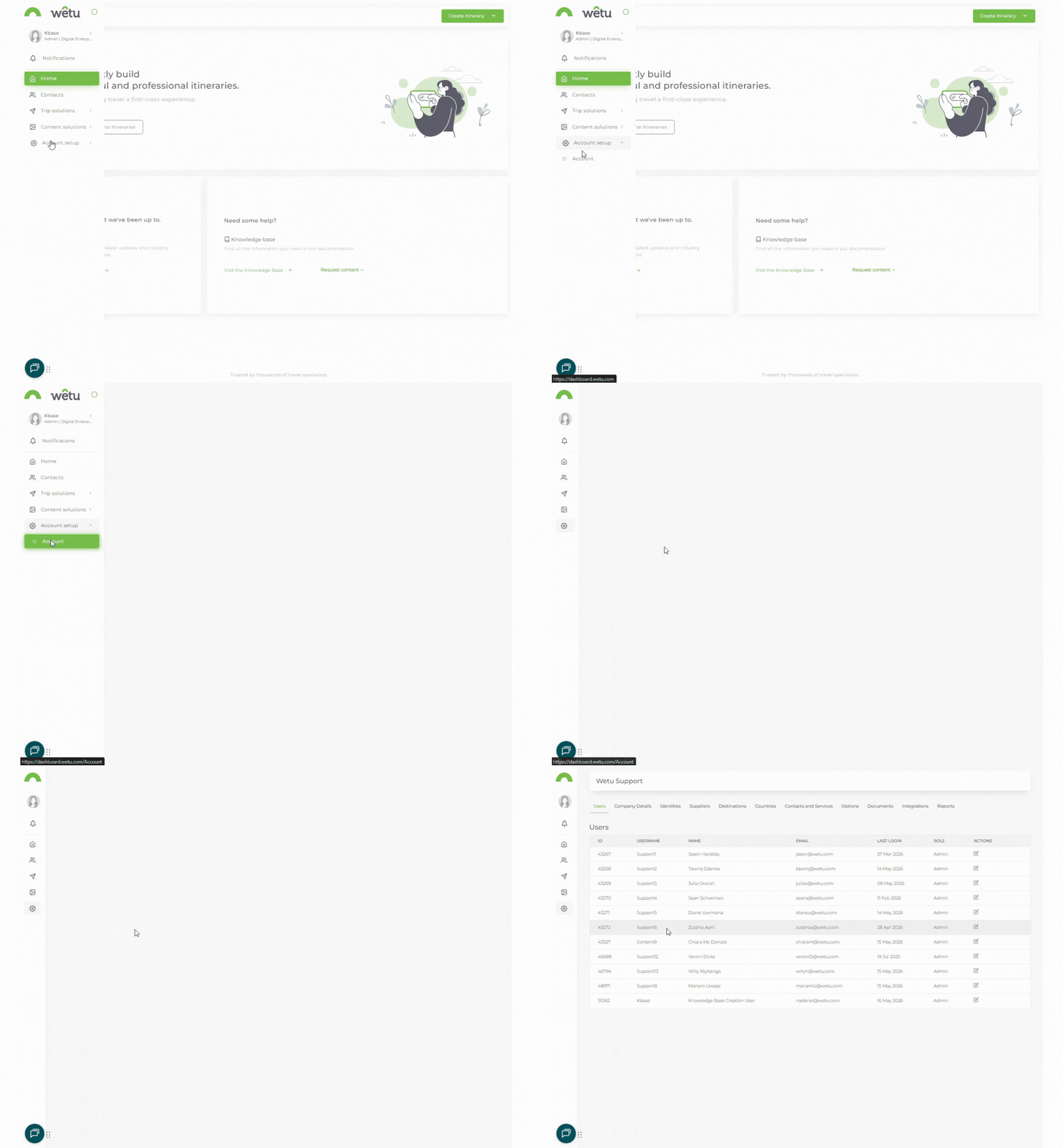
1. In the navigation panel, go to Account Setup › Account.
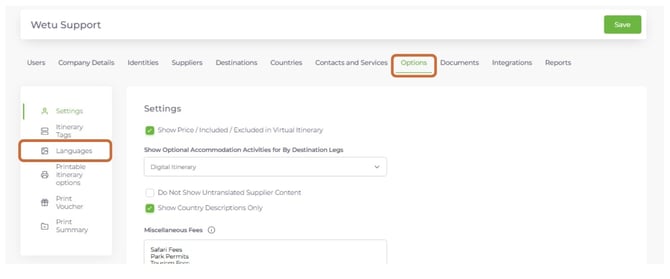
2. Click the Options tab, then select Languages from the quick navigation menu on the left.
3. Tick the checkbox next to each language you want to work with.
4. Click Save in the top right corner.
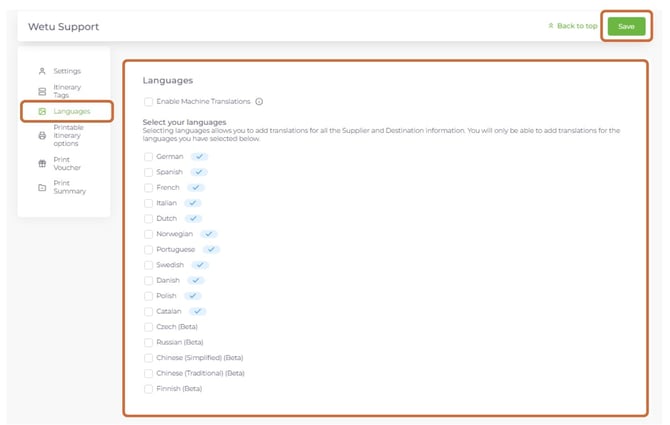
Note: Machine translations do not apply to Beta Languages. Beta languages require manual translations.
Manual translations
When machine translations are not active, Wetu will not automatically translate supplier, destination, or country content. Each language tab will be left blank so you can enter your own translations manually.
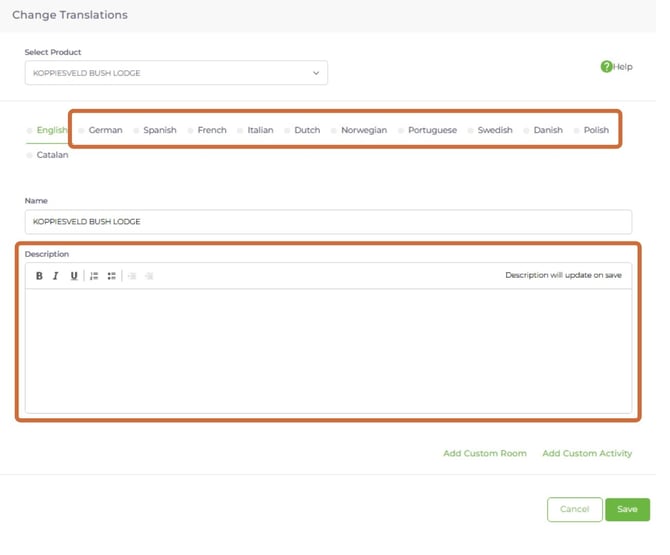
Note: You can only add manual translations for languages that have been selected and saved in the Options tab.
Machine translations
When machine translations are enabled, Wetu uses a third-party system to translate the English description into the selected language. The English description is always used as the basis for translation.
In the Suppliers tab, an indicator in the top right corner of the Description field shows whether the English description was loaded by Wetu or customised by you.
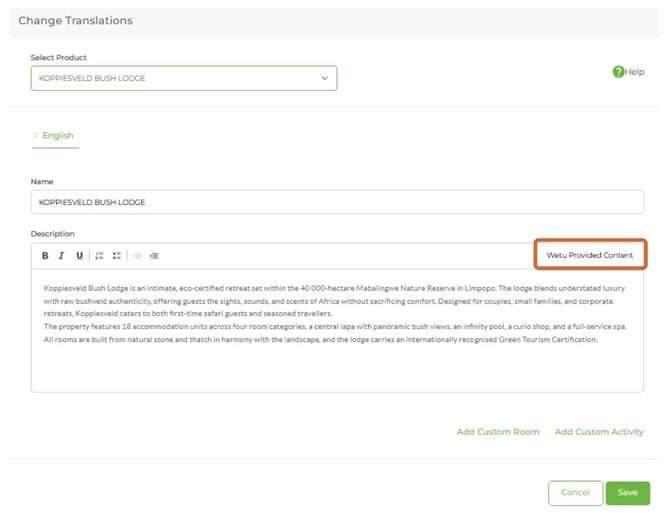
How machine translations behave
Scenario 1The supplier has only entered an English description and you have not customised it. → The English description is machine translated into the target language. |
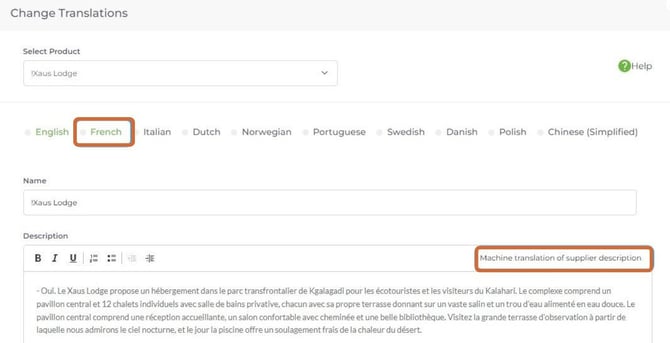
Scenario 2The supplier has entered a translation of their description and you have not customised it. → The supplier's translation is used - machine translations will not overwrite existing translations. |
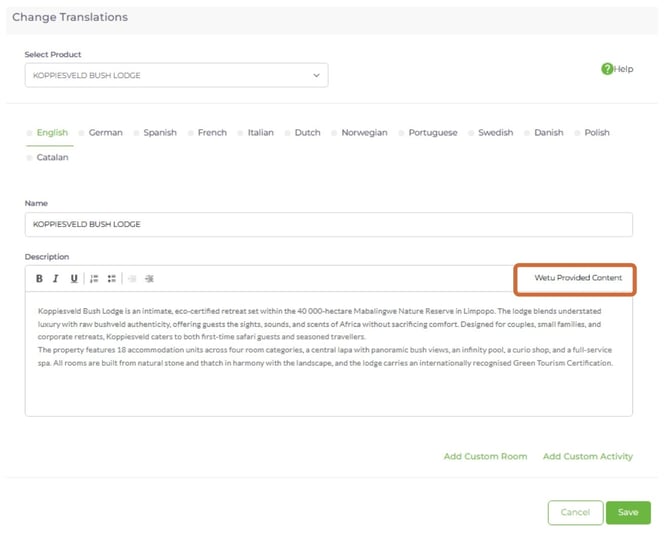
Scenario 3The supplier has only entered an English description but you have customised it. → The target language tab shows a machine translation of your customised English description. |
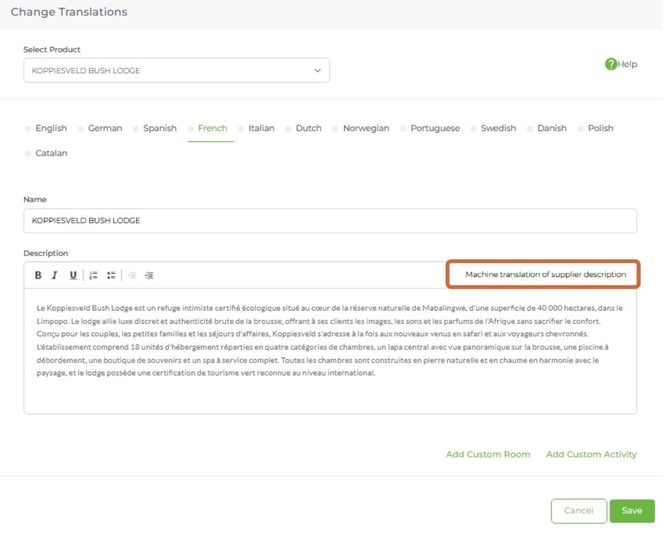
Note: Machine translations will not overwrite any translations already entered by you or a supplier.
In addition to the main description, all supporting content also translates - including Room Types, Unit Types, Product Activities, and Restaurants.
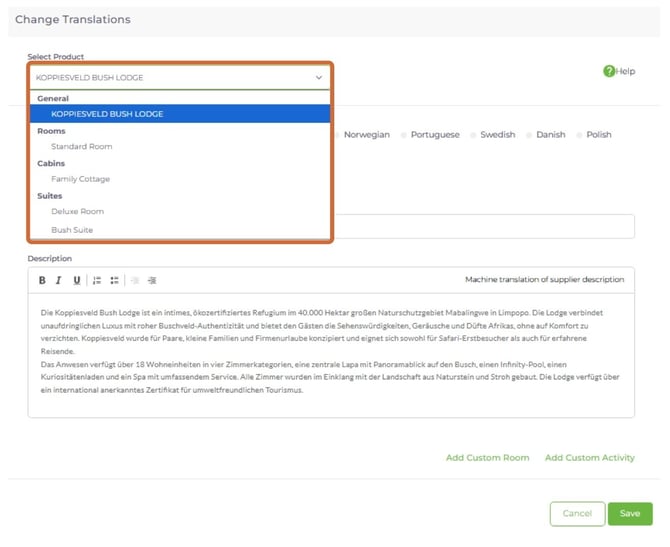
Note: If machine translations are not displaying in your account, contact support@wetu.com to enable them.
Language in the Itinerary Builder
In Step 1: Itinerary Details, select the language for the itinerary from the Language dropdown. Only languages enabled in Account Setup will appear in this list.
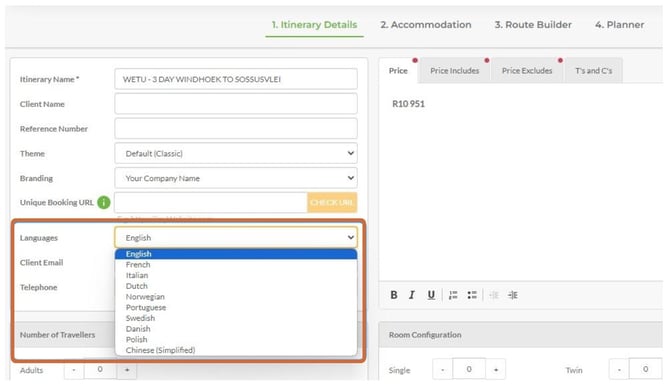
Note: Content you enter in the Itinerary Builder - such as Day Notes, pricing, and includes/excludes - will not be machine translated. This content must be manually translated before sharing with clients.
Translation availability by output
Translations available
|
Translations not available
|
Need Help?
- Contact Support: support@wetu.com
- Live Chat: Available on your Dashboard