Quick Links
- Board level tasks
- Task filtering
- Managing tasks
- Need Help?
Tasks help consultants manage the operational work needed to move trips through the booking lifecycle.
Tasks can be created manually or automatically through automations, so important actions are not missed. Tasks are available at both board level and trip level.
Board level tasks
The Tasks panel gives you a consolidated view of tasks across all trips in your pipeline. You can manage your workload from a single location without opening each trip individually.
Open the Tasks panel
1. Select View tasks in the top right of Trip Pipeline.
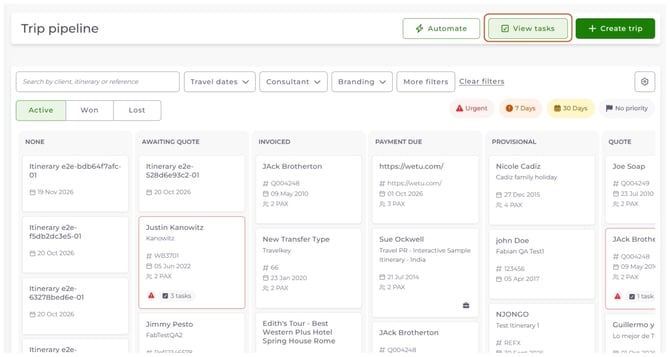
The Board Tasks panel opens beside the board.
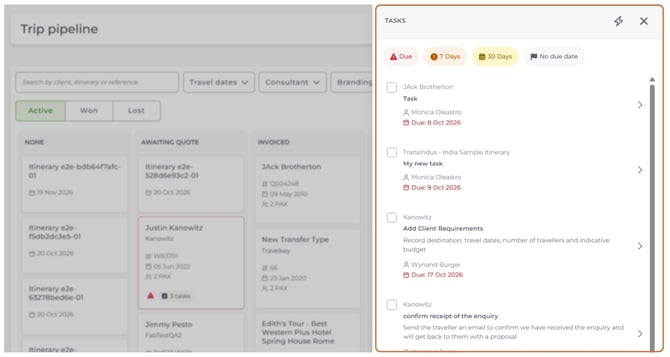
Task filtering
Tasks can be filtered by priority to help you focus on the most important work. These filters help you prioritise your workload and spot tasks that need immediate attention.
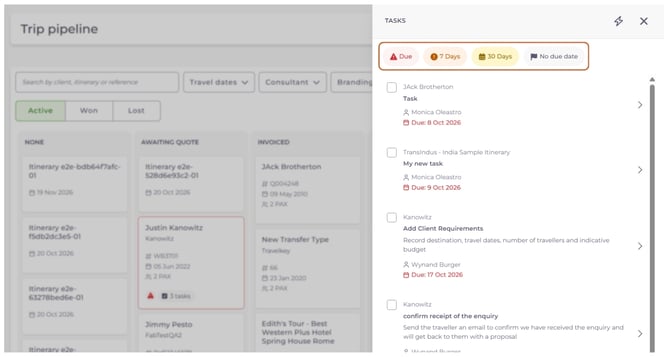
Note: Tasks added by an automation don't get a due date automatically.
Managing tasks
| From the Board Tasks panel, you can: |
|
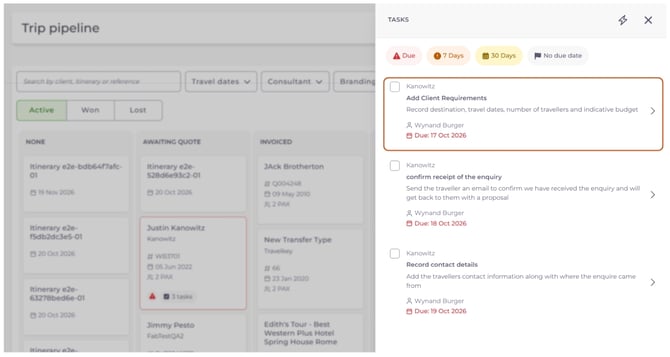
Completing a task automatically updates it throughout Trip Pipeline.
Need Help?
Contact Wetu Support at support@wetu.com.
Chat to us Live from your dashboard.