
{This is a Callout} Objective
- Clearly state the goal of the article
Prerequisites (Optional)
Outline anything the user needs before starting:
- Access permissions
- Required tools/software
- Login details
Step-by-Step Instructions
Use numbered steps, with screenshots and hyperlinks where possible. Heep each step short and clear.
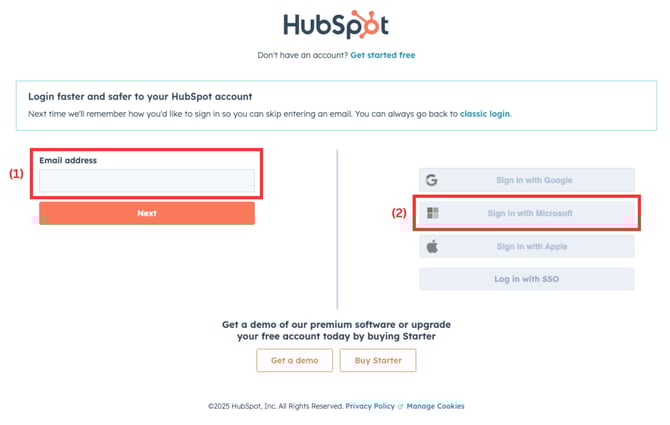
Example:
- Go to the Login Page
- Click "Forgot password" under the login form.
- Enter the email address associated with your account.
- Check your email for a reset link and follow the prompts.
- Create a new password and log in again.
{This is a Callout} Tips or Notes (Optional)
Add relevant guidance, caution, or bonus info. This is styled as a callout block.
Troubleshooting (Optional)
List common issues users may face and how to resolve them.
Example:
- Didn't receive the email?
- Check your spam or junk folder.
- Ensure you're using the correct email address.
- Reset link expired?
- Start the reset process again and use the new link within 10 minutes.
Optional Style Tips
- Use bold for button names and field labels.
- Use bullets for lists or options.
- Use plain language (avoid jargon).
- Include screenshots or GIFs wherever possible.
- Break long content into sections with headings.
- Keep the styling consistent throughout all articles
- Pay special attention to the text formatting in this template, such as, Headings, bold, callouts, etc.